Table of contents
How We Review Technical Animations for Accuracy
Studio Note: how we review technical animations for accuracy, from agreed sources and a claims list to storyboard, animatic and final checks with experts.
A narrated animation can have a perfect script and still teach something wrong. The pulse moves at the right speed in one scene and the wrong one in the next; the scale bar is missing, so a millimetre structure looks as big as an organ; the brightest moving object on screen is the one that doesn’t matter. When we review technical animations for accuracy, the script is only the first of several things we check. This Studio Note describes how we do it at AlphaCrew Studio, stage by stage, and why each stage catches errors the others miss.
Key Takeaways
- An animation makes claims through motion, scale, timing, color and emphasis as well as words. We list those claims explicitly and review them, not just the narration.
- Review happens in stages: sources and claims list, script, storyboard, timed animatic, final render. Errors are cheapest to fix early, and some only become visible once things move.
- The client’s designated experts review technical claims before delivery. For medical-education work, such as our radiology-physics animations for Sybil Digital Learning, the educators provide the subject-matter expertise and the review.
- Simplifications are labelled. Our own pulse-echo studio demonstration, for example, exaggerates wavelength and attenuation for legibility and says so on the frame.
- Accessibility is part of accuracy: captions, a way to pause, no flashing, and a still or reduced-motion version that carries the same explanation.
Why animations need their own review
Research on learning from animation explains why a correct script isn’t enough. Lowe’s 2003 study of learners watching an animated weather map (Learning and Instruction) found they tended to pick out changes that were visually striking rather than the ones that mattered for the subject. Tversky, Morrison and Bétrancourt’s review “Animation: can it facilitate?” (International Journal of Human-Computer Studies, 2002) argued that animations help only when their structure matches the concept and when they can be perceived and understood accurately; animations that are too fast or too busy fail the second test.
Both point to errors that live in the visuals: what moves, how fast, how big, what’s emphasized. A reviewer reading only the script will miss them. And the people best placed to catch content errors, the subject experts, aren’t always the best judges of what a newcomer will find hard, as Hinds’s 1999 study on the curse of expertise found (Journal of Experimental Psychology: Applied). The review has to cover both: is it true, and will a learner see what’s true?
How we review, stage by stage
1. Agree the sources and the reviewers
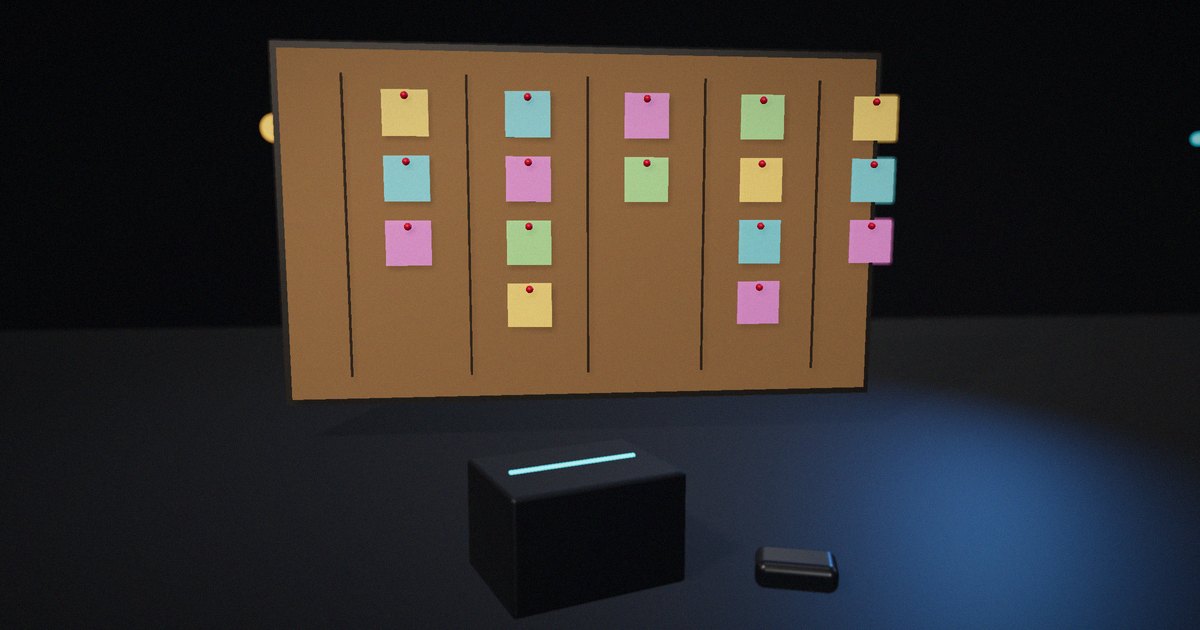
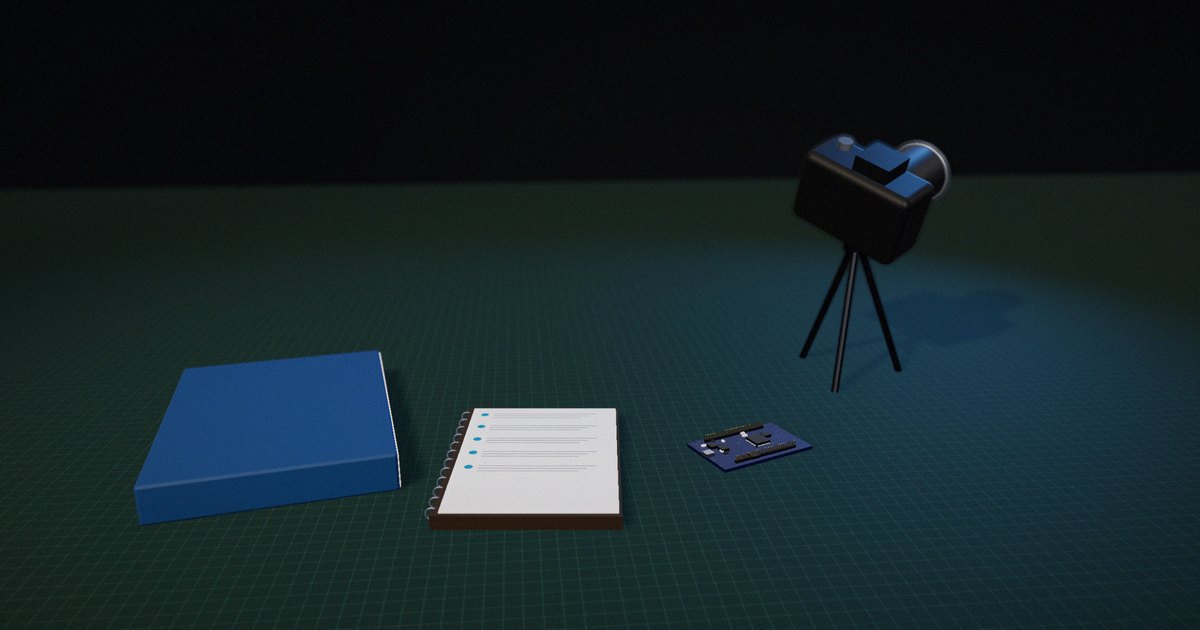
During Discovery we agree with the client which source material the animation will be built from (textbook chapters, lecture notes, datasheets, standards, internal documents) and who the designated reviewers are. Confidentiality is agreed at the same time: what may be shown and what must stay out.
2. Write the claims list
Before any visuals, we write down every claim the animation will make, including the ones that will only be shown, not said. For a pulse-echo sequence that might include: the pulse travels at about 1540 m/s in soft tissue; part of the energy reflects at a boundary and part continues; the wavelength is longer in the faster medium; the return time gives depth as c·t/2. Each claim gets a source. Claims that are simplifications are marked as such, with the label that will appear on screen.
3. Review the script
The script is reviewed against the claims list by the client’s expert. We check terminology as well as facts: the words learners will meet in their course or the engineering reader will meet in the datasheet.
4. Review the storyboard for what it implies
The storyboard is where visual claims appear: scale, relative size, direction, color coding, what’s in the foreground. We review each frame for what it implies without saying, for example whether two structures drawn side by side look like they’re the same size when they aren’t, and whether the color used for one signal is reused for something unrelated later.
5. Review a timed animatic for motion and pacing
A rough, timed animatic shows motion and timing before final rendering. This is where relative speeds, sequence and pacing get checked: does the echo return after the right proportion of the time, does the narration describe a change while it happens, is anything moving too fast to follow? Mayer and Moreno’s 2003 review of ways to reduce cognitive load in multimedia learning gives the practical tests we apply here: narration synchronized with the visual, labels next to what they describe, nothing extraneous on screen, and complex processes broken into segments.
6. Check the final render
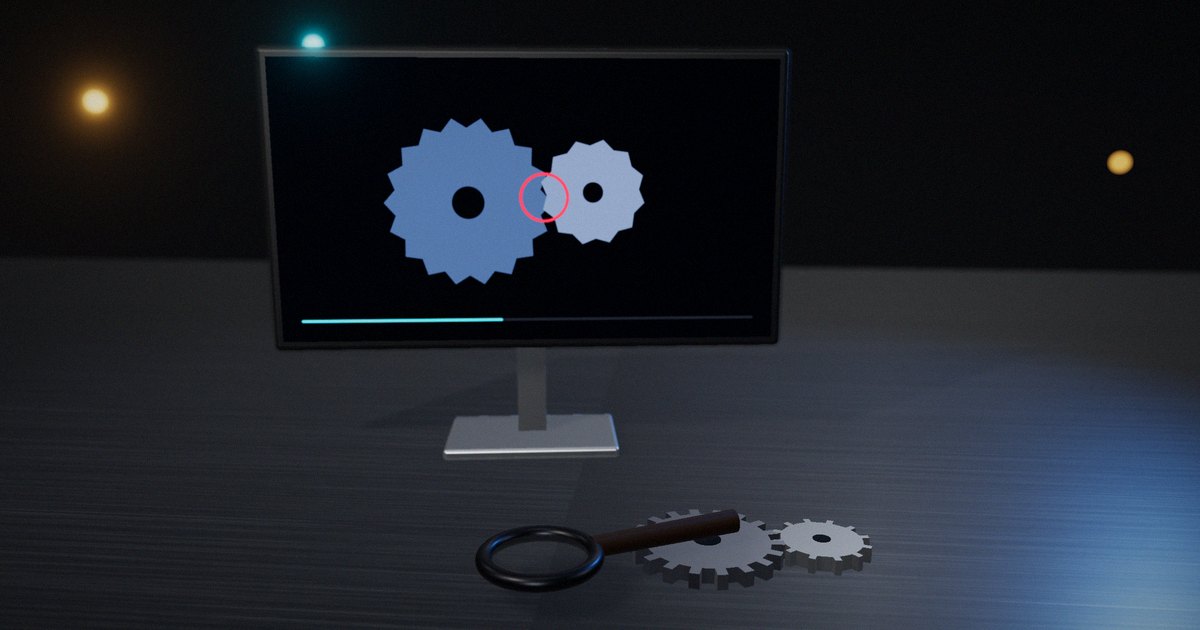
The final render is checked against the claims list once more, because details change between animatic and final: a label moves, a color shifts, a timing is adjusted. We also check captions against the narration and confirm any on-screen labels such as “not to scale.”
7. Version and keep the review record
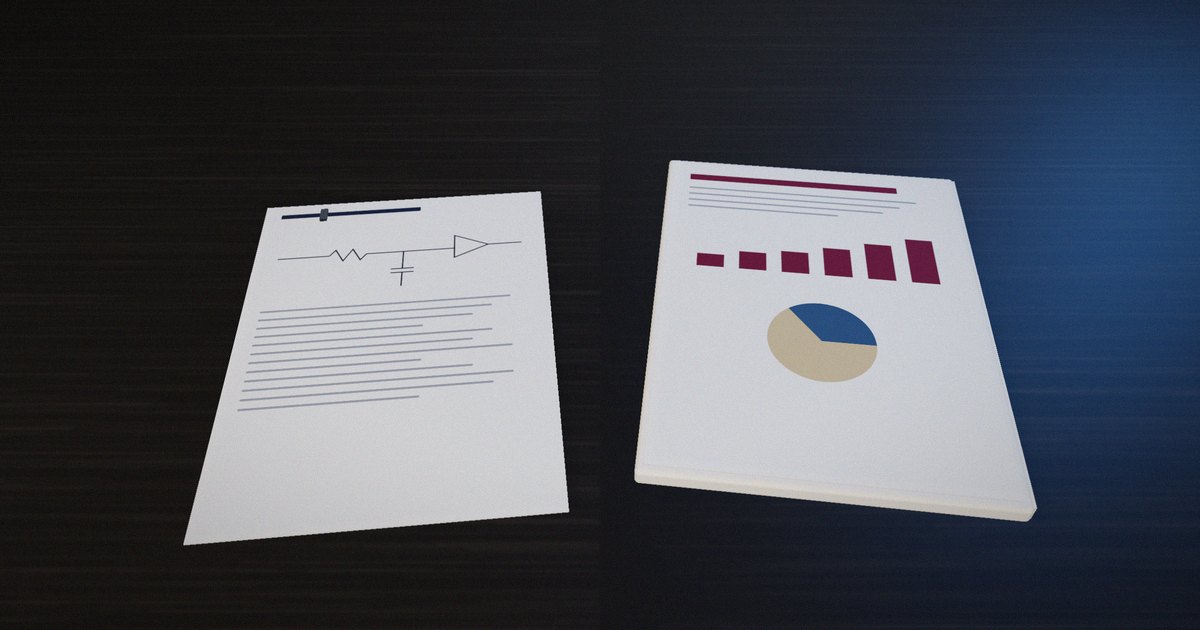
Each delivered animation keeps its claims list, sources and review notes. If the source material changes, for example a revised standard or a corrected datasheet, the record shows which claims are affected.
Labelling simplifications
Every teaching animation simplifies. The question is whether the viewer can tell. Our pulse-echo explainer, a studio demonstration we built for our own site, is a useful example. It’s simulated rather than drawn: the pulse’s time of flight, the reflection at a tissue-to-bone boundary computed from acoustic impedances, the longer wavelength in bone, beam spread and attenuation all come from the model. But a real ultrasound wavelength would be invisible at that scale, and real attenuation would make the echo too faint to see, so both are exaggerated, and the frame says “Wavelength and attenuation not to scale.” The physics that matters for the lesson is faithful; the parts that were changed for legibility are labelled.
What we check, and when
| What we check | Where errors appear | Stage that catches it |
|---|---|---|
| Facts and terminology | Narration, on-screen text | Claims list, script |
| Scale and relative size | Frames, layouts | Storyboard |
| Color and emphasis | What’s highlighted, color reuse | Storyboard, animatic |
| Relative speed and timing | Motion | Timed animatic |
| Narration and visual in sync | Timing between voice and picture | Timed animatic |
| Labels for simplifications | “Not to scale”, “illustrative” | Storyboard, final |
| Captions and accessibility | Captions, pause control, reduced-motion version | Final |
Accessibility is part of accuracy
An explanation that some viewers can’t perceive isn’t accurate for them. The W3C’s Web Content Accessibility Guidelines (WCAG 2.2) set requirements that apply directly to technical animation: captions for prerecorded audio (success criterion 1.2.2), a way to pause, stop or hide moving content that starts automatically (2.2.2), and no content that flashes more than three times a second (2.3.1). We also provide a still or reduced-motion version where an animation runs on a web page. Our echo explainer, for instance, shows a single still frame with the full trace and depth readout when the viewer has asked for reduced motion, so the explanation survives without the movement.
How to put it to work
If you have an hour
Take one existing technical animation and write its claims list, including what it shows without saying. Mark any claim you can’t source and any simplification that isn’t labelled.
If you have a sprint
Add a timed animatic review to your next animation, with the subject expert watching specifically for relative speed, scale and emphasis.
If you want it to last the product’s lifetime
Keep a claims list and review record with every animation, and check them whenever the source material changes.
The question to ask yourself: “What does this animation claim without saying it, and has anyone checked that?”
Frequently asked questions
How do you check a technical animation for accuracy?
List every claim it makes, including through scale, motion, timing and emphasis, give each a source, and review the script, storyboard, a timed animatic and the final render against that list with a subject expert.
Who should review a technical animation?
A subject expert who can judge the content, ideally designated at the start of the project. For medical education, that means qualified subject-matter reviewers; in our Sybil Digital Learning work, the educators provide the expertise and the review.
Is it acceptable to simplify in a teaching animation?
Yes, as long as the simplification doesn’t change the point being taught and is labelled, for example “not to scale” or “illustrative.”
Why review an animatic instead of waiting for the final?
Because motion, pacing and relative speed only become visible once things move, and they’re much cheaper to fix before final rendering.
How do you make technical animations accessible?
Provide captions, a way to pause, no rapid flashing, and a still or reduced-motion version that carries the same explanation.
Related reading: do animations teach better than static diagrams?, multimedia learning principles for technical training and building an ultrasound echo explainer.
Sources
- Lowe, R. K. (2003). Animation and learning: selective processing of information in dynamic graphics. Learning and Instruction, 13(2), 157–176. https://doi.org/10.1016/S0959-4752(02)00018-X
- Tversky, B., Morrison, J. B., & Bétrancourt, M. (2002). Animation: can it facilitate? International Journal of Human-Computer Studies, 57(4), 247–262. https://doi.org/10.1006/ijhc.2002.1017
- Mayer, R. E., & Moreno, R. (2003). Nine ways to reduce cognitive load in multimedia learning. Educational Psychologist, 38(1), 43–52. https://doi.org/10.1207/S15326985EP3801_6
- Hinds, P. J. (1999). The curse of expertise: The effects of expertise and debiasing methods on prediction of novice performance. Journal of Experimental Psychology: Applied, 5(2), 205–221. https://doi.org/10.1037/1076-898X.5.2.205
- W3C (2023). Web Content Accessibility Guidelines (WCAG) 2.2. W3C Recommendation. https://www.w3.org/TR/WCAG22/