Table of contents
From Sensor to Useful Data: A Signal Chain Walkthrough
A sensor signal chain walkthrough: what conditioning, anti-aliasing, the ADC and calibration each do to a reading, and how to tell real signal from artifacts.
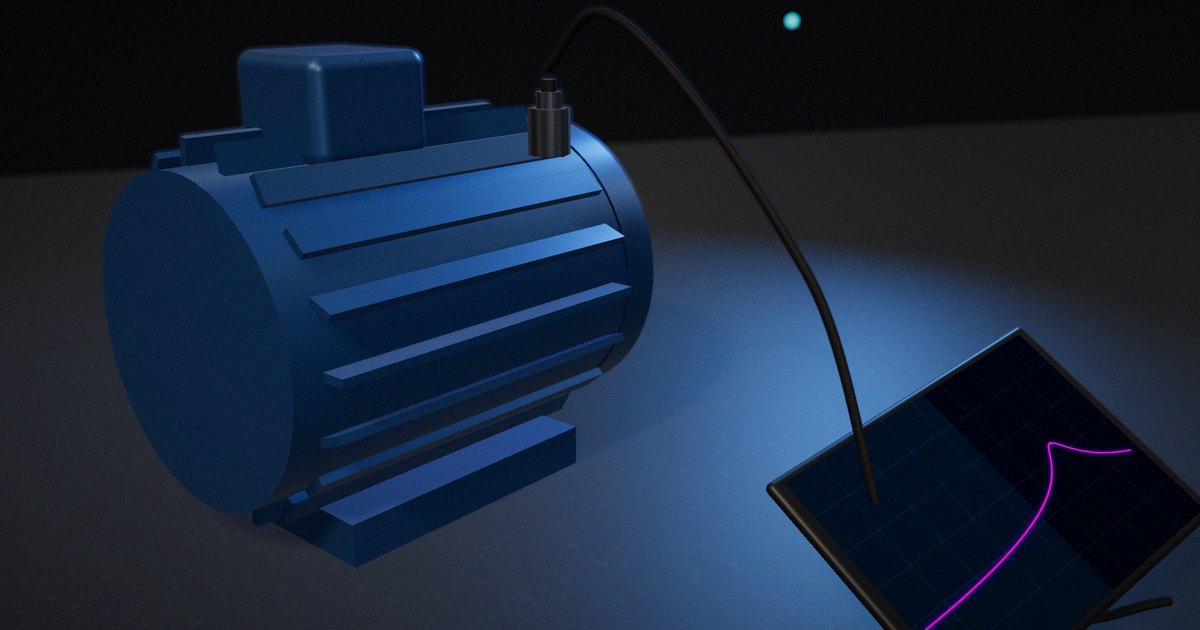
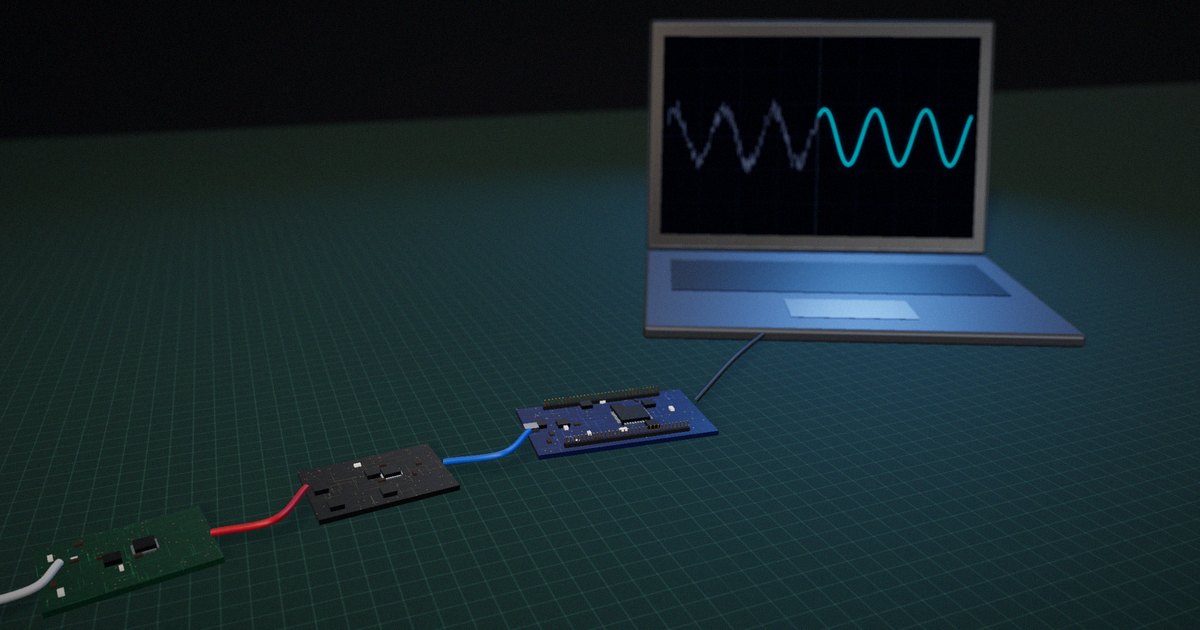
The plot looks great on the bench. Then the board goes into the enclosure, the motor next to it starts, and a slow 40 Hz wobble appears in a measurement that should be flat. Nothing in the firmware changed. The wobble isn’t in the physical quantity at all; the sensor signal chain made it. A sensor signal chain is the sequence of stages that turns a physical quantity into a number you can trust: the sensor, analog conditioning, an anti-aliasing filter, the analog-to-digital converter (ADC), digital processing and calibration. Each stage can remove information, add noise, or invent frequencies that were never there. This walkthrough follows one reading through every stage.
Key Takeaways
- A sensor signal chain has five jobs: scale the signal, limit its bandwidth, sample it, quantize it and correct it. Each job has a failure mode that looks like real data.
- Aliasing can’t be removed after sampling. The analog filter in front of the ADC is the only stage that can stop out-of-band energy from folding into your band.
- A 12-bit ADC rarely delivers 12 useful bits. Effective number of bits (ENOB), calculated from measured SINAD, is the resolution you actually get, and it usually falls as input frequency rises.
- Oversampling plus digital filtering buys real SNR (about 3 dB per doubling of the sample rate for white noise), which often costs less than a better converter.
- A reading without an uncertainty is an opinion. The GUM method (repeat-measurement noise plus datasheet and calibration terms, combined as a root-sum-square) is how you state what the number means.
Why “the sensor is noisy” is usually the wrong diagnosis
When engineers post about unstable readings on forums, the first suspect is almost always the sensor: “my ADC values jump around”, “my accelerometer shows a peak that isn’t there”, “the 12-bit ADC only gives me 9 bits”. Sometimes the sensor is the cause. More often, the problem was created downstream: a gain stage that uses a tenth of the ADC’s input range, an anti-aliasing filter that was never designed, a sample rate chosen because it was the default in the example code, or a calibration done once at room temperature.
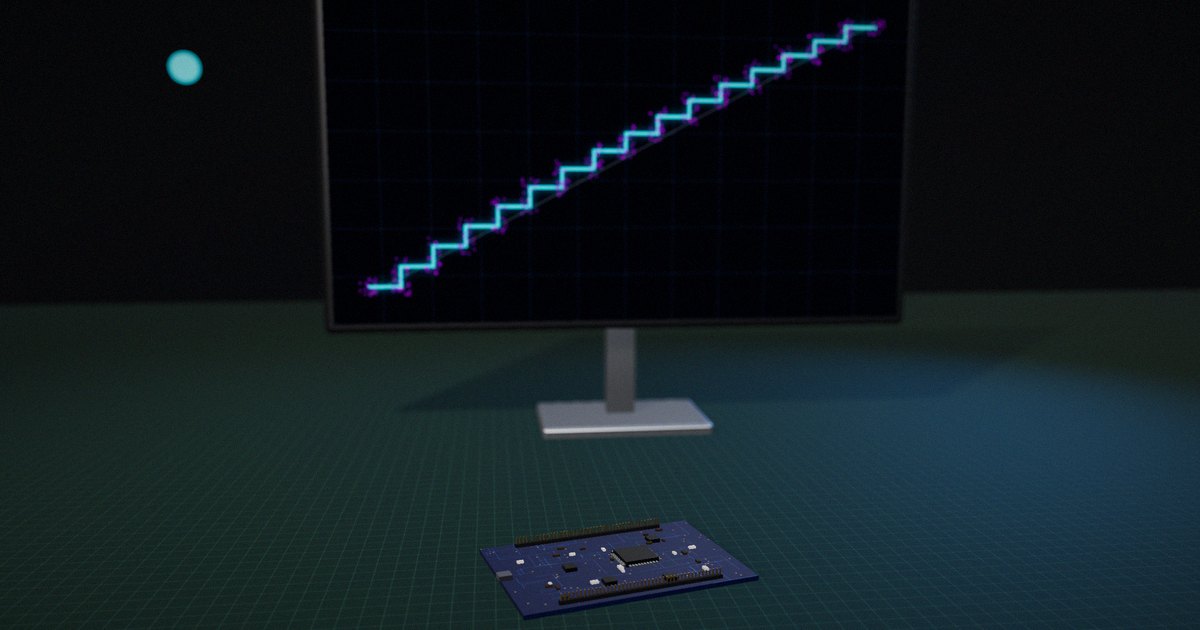
The trouble is that each of these failures produces something plausible. Aliasing produces a clean tone at a believable frequency. Quantization at low signal levels produces steps that look like a real staircase response. A drifting offset looks like a slow physical trend. Nothing announces itself as an artifact.
So the useful question isn’t “is my sensor good enough?” It’s “at each stage, what did I keep, what did I lose and what did I add?” That framing is also how a technical reviewer reads a signal-chain diagram in an application note or a product article. If the explanation skips a stage, the reviewer assumes the design did too.
The sections below take one example through the chain: a MEMS accelerometer monitoring vibration on a small motor, read by a 12-bit successive-approximation ADC on a microcontroller. The numbers are illustrative (the arithmetic is real, the part values are round numbers chosen to show the effect), and every rule they rely on is cited.
How a sensor signal chain actually works
Stage 1: the sensor and its bandwidth you didn’t ask for
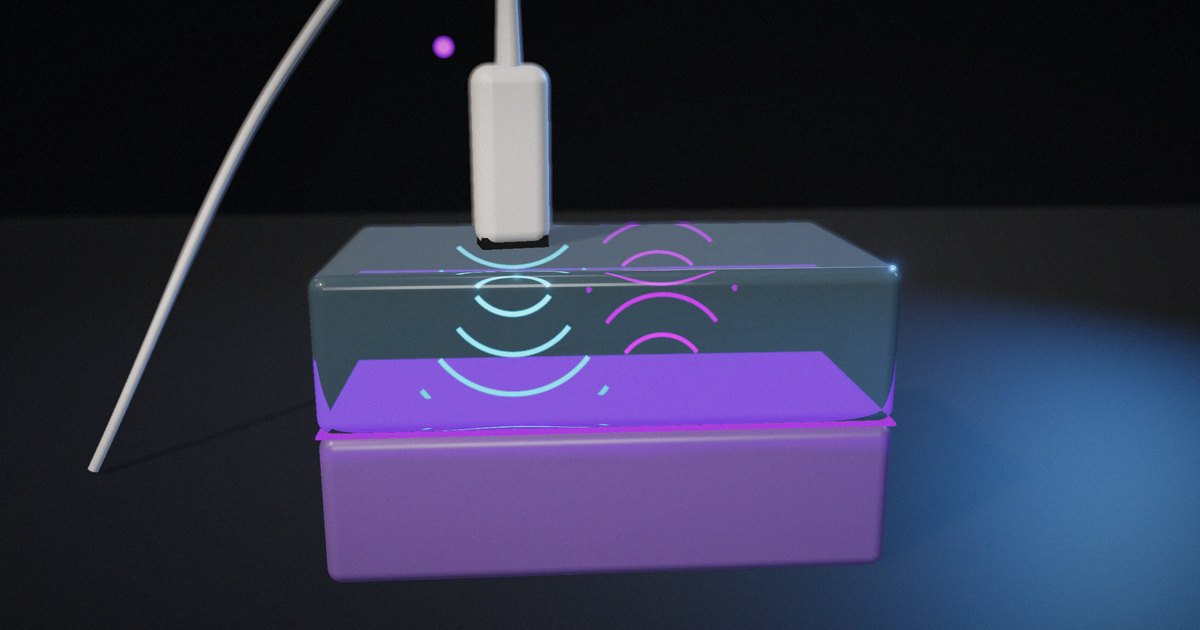
A sensor converts a physical quantity into an electrical one, and its datasheet bandwidth is rarely the whole story. Texas Instruments’ application note SBAA655 (Lee & Levin, 2024, rev. 2025) gives a concrete case: a MEMS accelerometer rated from DC to 10 kHz may have a mechanical resonance near 60 kHz, which can amplify stray vibration and distort the measurement. That energy is outside the band you care about, but it is still in the signal the ADC will see unless something removes it.
Stage 2: conditioning, or making the signal fit the converter
Conditioning amplifies, offsets and sometimes converts the signal (a bridge excitation, a current-to-voltage stage) so it spans most of the ADC’s input range. The reason is arithmetic. An ADC’s quantization step is fixed by its reference and bit count, so a signal that only spans a tenth of the range throws away more than three bits of resolution before anything else goes wrong. The same TI note shows the trade-off on the other side: at high programmable gain, the input-referred signal is smaller before amplification, and the measurement gets noisier.
Stage 3: the anti-aliasing filter, the stage you can’t fix in software
Sampling has one rule that no firmware can bend. Shannon’s 1949 paper in the Proceedings of the IRE showed that a band-limited signal is fully described by samples taken at more than twice its highest frequency. The flip side is aliasing: any energy above half the sample rate (the Nyquist frequency) folds back into the band below it, where it is indistinguishable from real signal.
Analog Devices’ tutorial MT-002 (Kester, 2008) puts numbers on what that means for the filter. Signals in every Nyquist zone alias into the first one, so the filter must attenuate everything that could fold into your band. A Butterworth filter rolls off at about 6 dB per octave per pole, so getting 60 dB of attenuation across a one-octave transition band takes at least 10 poles. That is why MT-002 recommends oversampling: sample at 2.5 to 4 times the highest signal frequency, and the transition band widens enough for a modest filter to do the job.
Stage 4: sampling and quantization in the ADC
The ADC does two separate things: it samples in time and it quantizes in amplitude. Quantization error is modeled as uniform within plus or minus half a step, which gives an RMS quantization noise of q/√12, where q is one least significant bit (LSB). Analog Devices’ MT-001 (Kester, 2008) derives the familiar ideal limit from it: SNR = 6.02N + 1.76 dB for a full-scale sine wave over the band from DC to half the sample rate.
For our 12-bit converter with a 3.3 V reference, q = 3.3 V / 4096 ≈ 0.81 mV, the RMS quantization noise is about 0.23 mV, and the ideal SNR is about 74 dB. Real converters fall short of that, which is where effective bits come in.
Stage 5: effective bits, the resolution you actually get
Analog Devices’ MT-003 (Kester, 2008) defines SINAD as the ratio of the signal’s RMS amplitude to the root-sum-square of all other spectral components (noise plus harmonics, excluding DC), and derives ENOB = (SINAD − 1.76) / 6.02. If our converter measures 62 dB SINAD at the input frequency we care about, ENOB = (62 − 1.76) / 6.02 ≈ 10.0 bits. Two of the twelve bits are noise. Datasheets typically plot SINAD or ENOB against input frequency, and because distortion rises with frequency, the effective resolution at the top of your band is usually lower than at DC.
Stage 6: digital filtering and decimation, the stage that pays you back
If the band you need is narrower than the Nyquist band, you can filter out the rest digitally and keep only the noise inside your band. MT-001 calls this process gain: SNR improves by 10·log₁₀(fs / 2BW). Sampling at 10 kSPS for a 500 Hz band gives 10·log₁₀(10,000 / 1,000) = 10 dB, worth roughly 1.7 effective bits, provided the noise is white and the digital filter is good.
Stage 7: calibration and the number you report
The last stage turns counts into units and states how sure you are. The Guide to the Expression of Uncertainty in Measurement (JCGM 100:2008, the GUM) gives the method. Type A uncertainty comes from statistics on repeated readings (the standard deviation of the mean). Type B comes from everything else: datasheet tolerances, calibration certificates, handbook data. For uncorrelated inputs, the combined standard uncertainty is the square root of the sum of each contribution squared, weighted by how sensitive the result is to it. Multiply by a coverage factor k (typically 2 to 3) to get the expanded uncertainty you put on a report.
What each stage removes, adds and assumes
This table works as a review checklist for any signal-chain diagram, whether it sits in a design review or in a product article.
| Stage | What it should remove | What it can add (the artifact) | What it assumes | How to check |
|---|---|---|---|---|
| Sensor | Nothing; it converts | Resonances, cross-axis response, drift | Mounting and temperature match the datasheet conditions | Swept or impulse test on the real mounting |
| Conditioning | Unused range, common-mode noise | Amplifier noise, offset, clipping | Signal stays inside the linear range | Look at the largest expected input, not the typical one |
| Anti-aliasing filter | Energy above fs/2 | Phase shift, group-delay ripple, tolerance spread | Out-of-band energy is known | Inject a tone above fs/2 and look for its alias |
| ADC | Nothing; it digitizes | Quantization noise, distortion, jitter effects | Input stays within the specified frequency and amplitude | Compute ENOB from measured SINAD at your frequency |
| Digital filtering | Out-of-band noise | Latency, ringing, edge effects | Noise is roughly white | Compare noise before and after with the input shorted |
| Calibration | Gain and offset error | False confidence if done at one temperature | Conditions match the field | State the uncertainty and the conditions it holds for |
The pattern in the “can add” column is the point. Every stage has an artifact that looks like data, and every check is cheap compared with chasing a false peak after deployment.
What to actually do
Size the gain from the largest signal, then check the smallest
Set conditioning gain so the largest expected input (shock, startup transient, worst-case temperature) stays inside the ADC range with some margin. Then check what the smallest signal you care about looks like in LSBs. If it spans only a few codes, quantization will dominate it, and you need more gain in a separate range, a better converter, or oversampling.
Choose the sample rate from the filter you can build
Don’t start with the sample rate in the example code. Start with the highest frequency you need, decide how much attenuation the aliasing band needs, and pick a sample rate that makes that filter practical. Following MT-002’s guidance, 2.5 to 4 times the highest signal frequency usually lets a 2nd- to 4th-order filter do the job, where sampling at barely twice that frequency would demand a very steep one.
Measure ENOB at your frequency, not the datasheet’s
Short the input or apply a clean sine near your band’s upper edge, capture a few thousand samples, compute an FFT and calculate SINAD. Then ENOB = (SINAD − 1.76) / 6.02. If you get noticeably less than the datasheet, the layout, reference or clock is the likely cause, not the converter.
# Illustrative sketch: ENOB from a captured sine (numpy). Assumes a coherent
# capture (whole number of cycles) so no window is needed.
import numpy as np

def enob(samples):
    x = samples - np.mean(samples)
    p = np.abs(np.fft.rfft(x)) ** 2
    k = np.argmax(p[1:]) + 1          # fundamental bin
    signal = p[k]
    noise_dist = p[1:].sum() - signal  # everything except DC and the tone
    sinad_db = 10 * np.log10(signal / noise_dist)
    return (sinad_db - 1.76) / 6.02
Oversample and decimate when the band is narrow
If your band is a few hundred hertz and the ADC can run at tens of kilosamples per second, run it fast and filter digitally. You get process gain, a relaxed analog filter, and you can still deliver data at the rate the application needs.
Write the uncertainty budget before you publish a number
List each contribution (noise from repeated readings, sensitivity tolerance, reference tolerance, calibration error, temperature drift), convert each to a standard uncertainty in the same unit, combine them as a root-sum-square and expand with k = 2. It takes an hour and it stops arguments later.
What not to do
Don’t try to filter aliasing out after the ADC. Once an out-of-band tone has folded into your band, it occupies the same frequencies as real signal, and no digital filter can tell them apart. And don’t quote the converter’s bit count as the system’s resolution. Quote ENOB, or better, the measured noise in physical units.
How to put it to work
If you have an hour
Draw your signal chain on one page with the seven stages above. For each, write the bandwidth, the gain and the one artifact it could add. Then check whether any energy above half your sample rate can reach the ADC.
If you have a sprint
Capture a sine near the top of your band and a shorted-input record, calculate ENOB and input-referred noise, and inject a tone above fs/2 to confirm the anti-aliasing filter actually stops it. Write the results down with the conditions: supply voltage, sample rate, temperature.
If you want it to last the product’s lifetime
Keep the signal-chain diagram, the measurement scripts and the uncertainty budget in version control next to the firmware. When a part changes, rerun the same captures. A named reviewer owns the budget, so the published accuracy figure always has someone who can defend it.
The question to ask yourself: “If an engineer injected a tone just above half my sample rate, would my data show it, and would I know?”
Frequently asked questions
What is a sensor signal chain?
A sensor signal chain is the set of stages between a physical quantity and the number your software uses: the sensor, analog conditioning (gain, offset, excitation), an anti-aliasing filter, the analog-to-digital converter, digital filtering and calibration. Each stage changes the signal, and each can add artifacts, so useful data depends on designing all of them together rather than choosing a good sensor alone.
Why is my 12-bit ADC only giving me 9 or 10 bits?
Because bit count describes the converter’s codes, not the noise and distortion around them. Effective number of bits, ENOB = (SINAD − 1.76) / 6.02, measures what you actually resolve. Reference noise, layout, clock quality, a signal that uses only part of the input range, and rising distortion at higher input frequencies all reduce it.
Can I remove aliasing with a digital filter?
No. Once energy above half the sample rate has been sampled, it appears at a frequency inside your band and is indistinguishable from real signal. Aliasing has to be prevented with an analog filter before the ADC, or by sampling fast enough that a practical filter attenuates the out-of-band energy enough.
How much does oversampling improve resolution?
For white noise spread evenly across the Nyquist band, filtering down to a bandwidth BW improves SNR by 10·log₁₀(fs / 2BW), about 3 dB, or half an effective bit, per doubling of the sample rate. It doesn’t help if the noise is not white or if the error is a fixed nonlinearity.
How do I state the accuracy of a sensor measurement?
Use the GUM method: estimate the noise from repeated readings (Type A), take tolerances from datasheets and calibration certificates (Type B), convert all of them to standard uncertainties in the same unit, combine them as a root-sum-square and multiply by a coverage factor, usually k = 2. Report the conditions the figure holds for.
For more on individual stages, see our explainers on sampling, aliasing and filtering, ADC resolution versus accuracy and how to read a sensor datasheet.
Sources
- Shannon, C. E. (1949). “Communication in the Presence of Noise.” Proceedings of the IRE, 37(1), 10–21. https://doi.org/10.1109/JRPROC.1949.232969
- Kester, W. (2008). “Taking the Mystery out of the Infamous Formula, ‘SNR = 6.02N + 1.76dB,’ and Why You Should Care.” Analog Devices Tutorial MT-001, Rev. A. https://www.analog.com/media/en/training-seminars/tutorials/MT-001.pdf
- Kester, W. (2008). “What the Nyquist Criterion Means to Your Sampled Data System Design.” Analog Devices Tutorial MT-002, Rev. A. https://www.analog.com/media/en/training-seminars/tutorials/MT-002.pdf
- Kester, W. (2008). “Understand SINAD, ENOB, SNR, THD, THD + N, and SFDR so You Don’t Get Lost in the Noise Floor.” Analog Devices Tutorial MT-003, Rev. A. https://www.analog.com/media/en/training-seminars/tutorials/MT-003.pdf
- Lee, M., & Levin, M. (2024, rev. 2025). “Anti-Alias Filter Design for a 100kHz Bandwidth Data Acquisition Signal Chain.” Texas Instruments Application Note SBAA655A. https://www.ti.com/lit/pdf/sbaa655
- Joint Committee for Guides in Metrology (2008). Evaluation of measurement data: Guide to the expression of uncertainty in measurement (JCGM 100:2008). BIPM. https://doi.org/10.59161/JCGM100-2008E